 SYSBOX
SYSBOX WinUpdater
Windows updates for your servers - without WSUS.
Keep your Windows servers up to date from one web console: extract, start, done. No SQL server, no IIS, no agent on the servers.
Version 1.1 · Windows Server 2012 and newer · no account required
In September 2024, Microsoft announced that WSUS is deprecated: no new features, and no new feature requests are being accepted. It still receives security fixes today, but Microsoft is no longer investing in its future.
WSUS is heavy
A SQL Server (or SQL Express) database, an IIS site, disk space for cached updates, and its own ongoing maintenance - just to see which servers are missing which patches.
WinUpdater is one folder
Extract the ZIP, run one program. Its own built-in web server and SQLite database live in the program folder - nothing else to install, on the management machine or on the servers it watches.
Dashboard at a glance
Servers that are up to date, need updates, have errors or a pending reboot, plus charts for compliance, missing updates by classification, and installs over the last 30 days.
Server tree
Servers grouped by folder, with a status icon and a pending-update count per server - red for important/critical, yellow for the rest.
Install with control
Install all updates or only the ones you select, on one server or every server at once, with an optional automatic restart when one is required.
Hide updates you don't want
Not every update belongs on every server. Hide the ones you don't want installed - unhide them again any time.
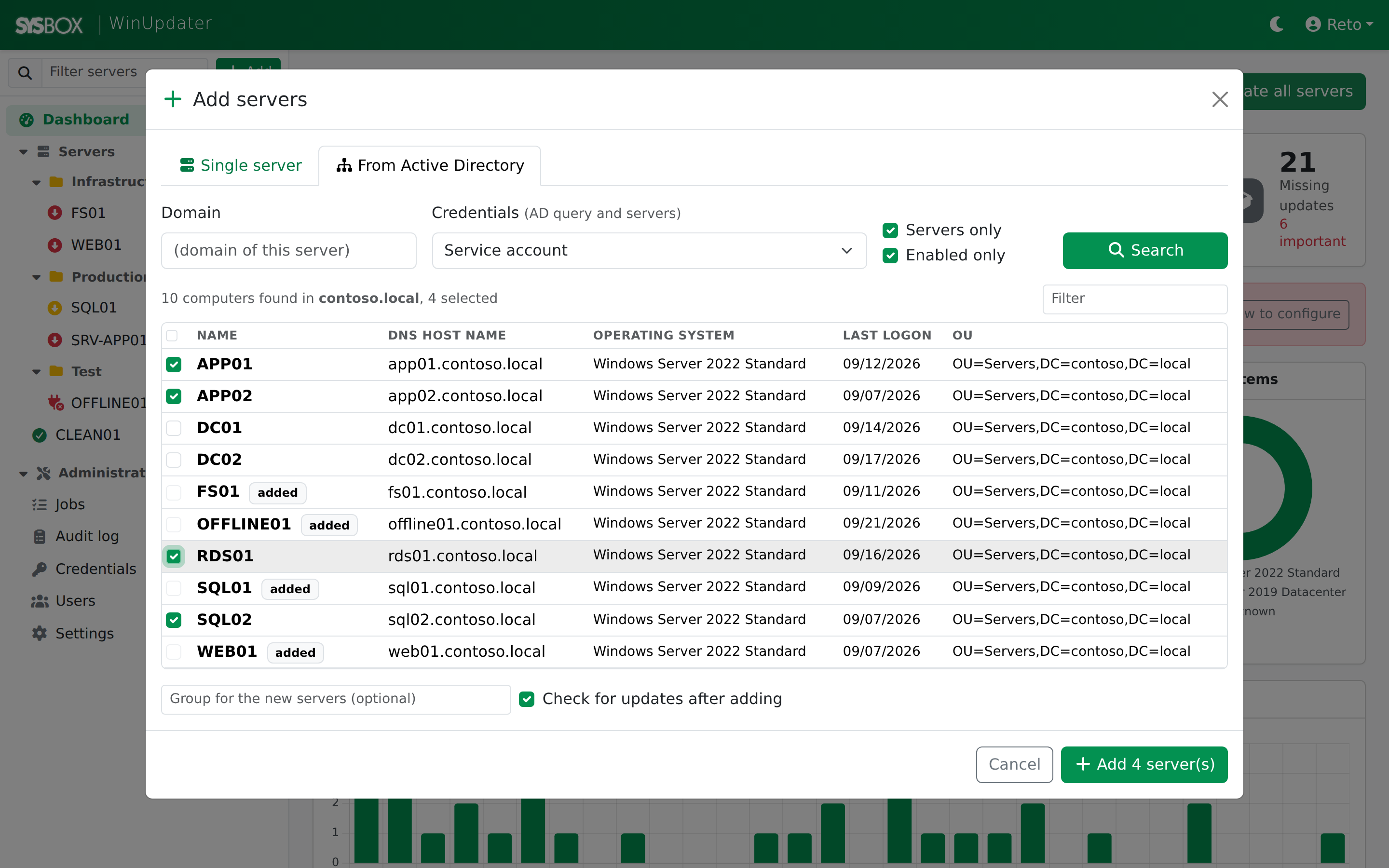
Import from Active Directory
Add a single server by name or IP with a connection test, or import many at once straight from Active Directory - no RSAT needed.
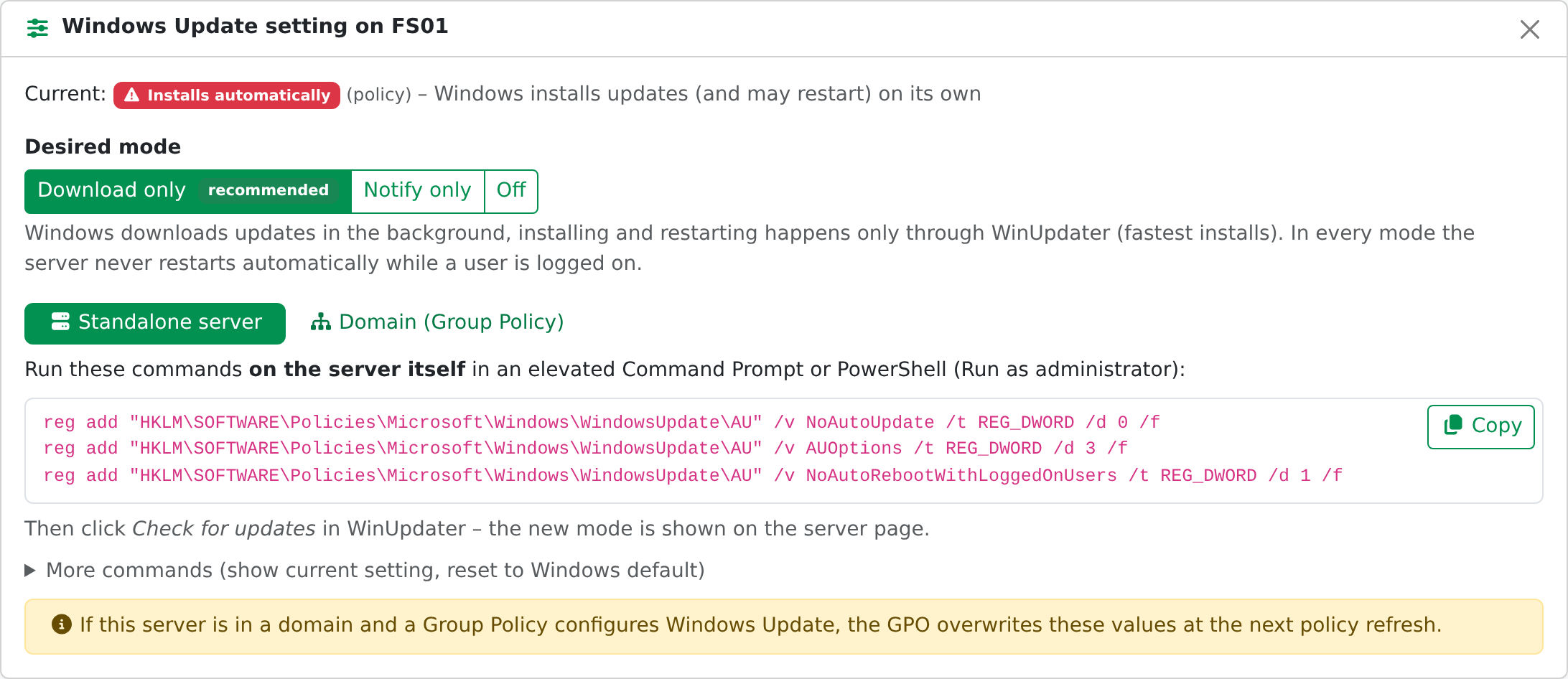
Update policy check
Every check reads each server's automatic-update setting and warns if it installs on its own - with ready-to-copy commands and step-by-step Group Policy directions. WinUpdater never changes the setting itself.
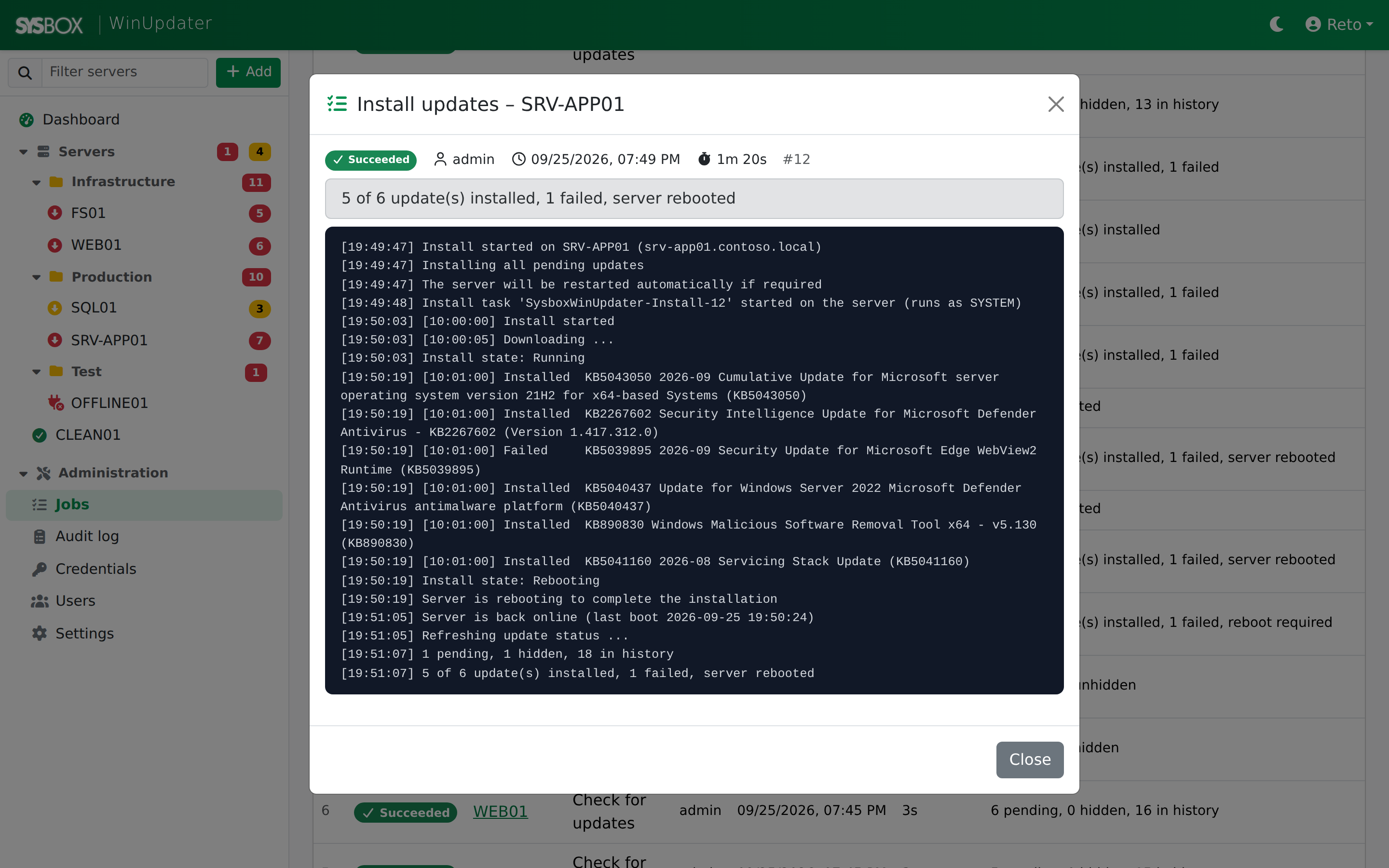
Jobs with a live log
Installs run in the background, in parallel across servers, one job at a time per server - watch every job's progress as it happens.
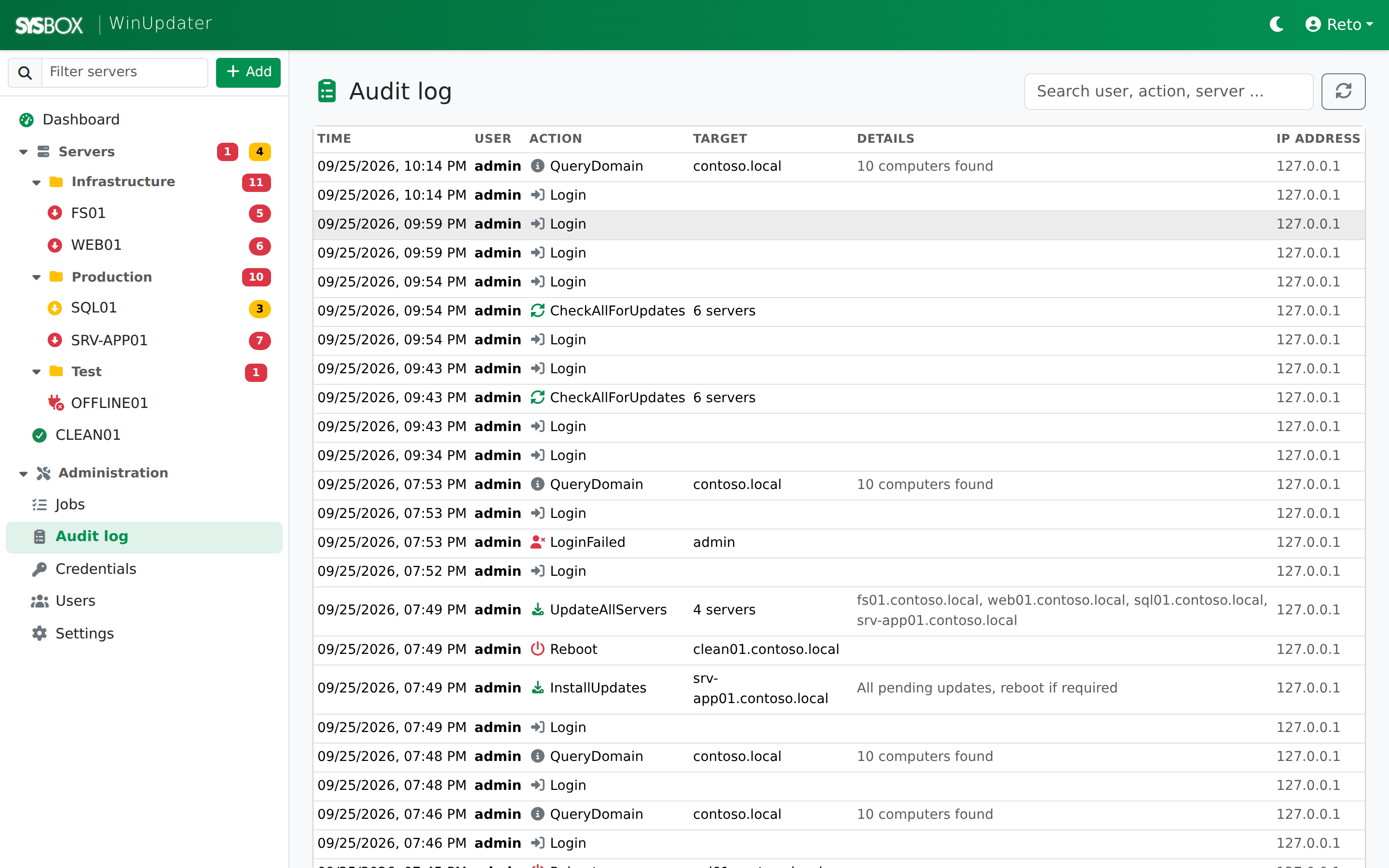
Full audit log
Who did what, when, and from which IP - every action is recorded.
Saved, encrypted credentials
Simple user management, and server credentials stored encrypted - not in plain text.
What it looks like
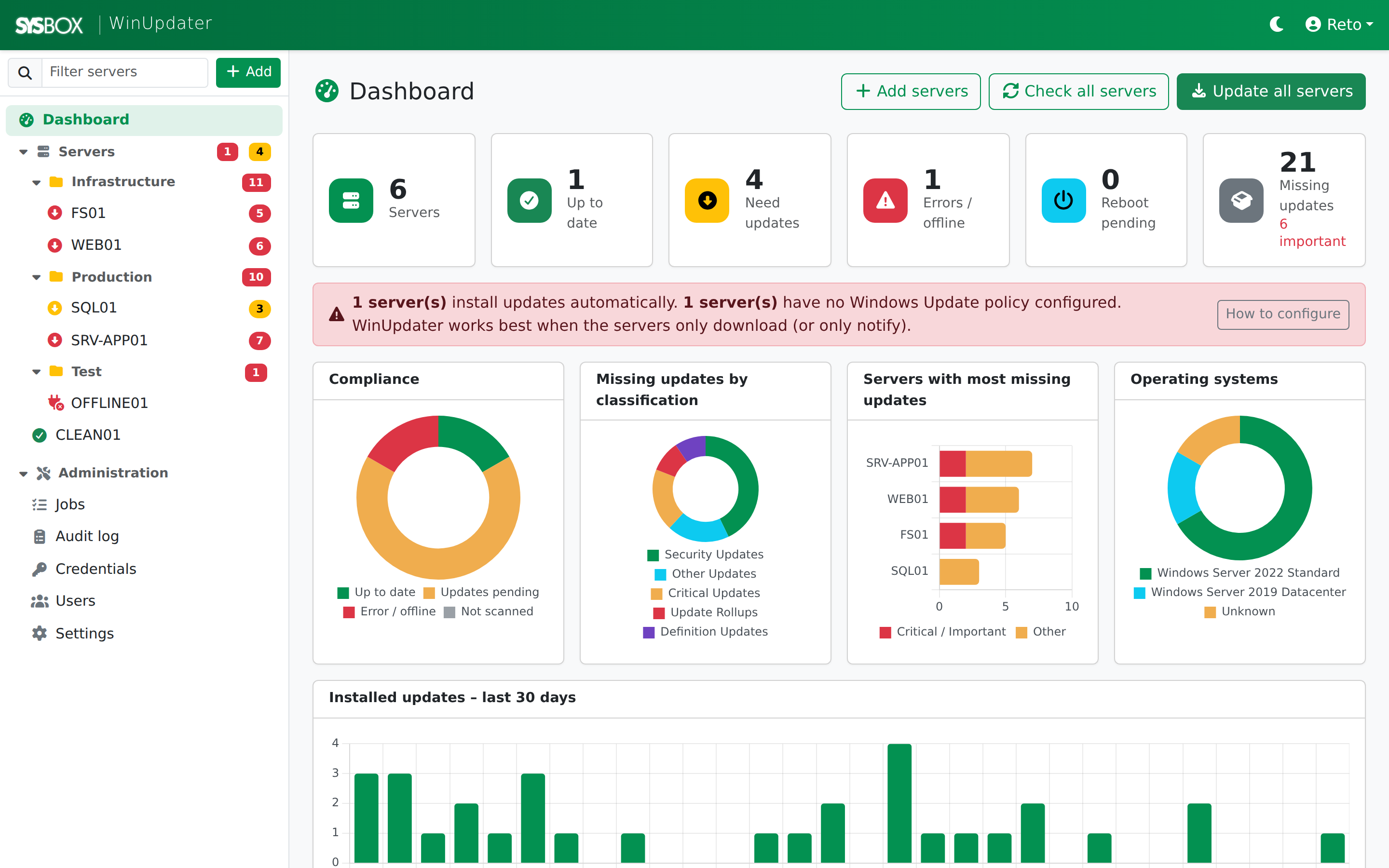
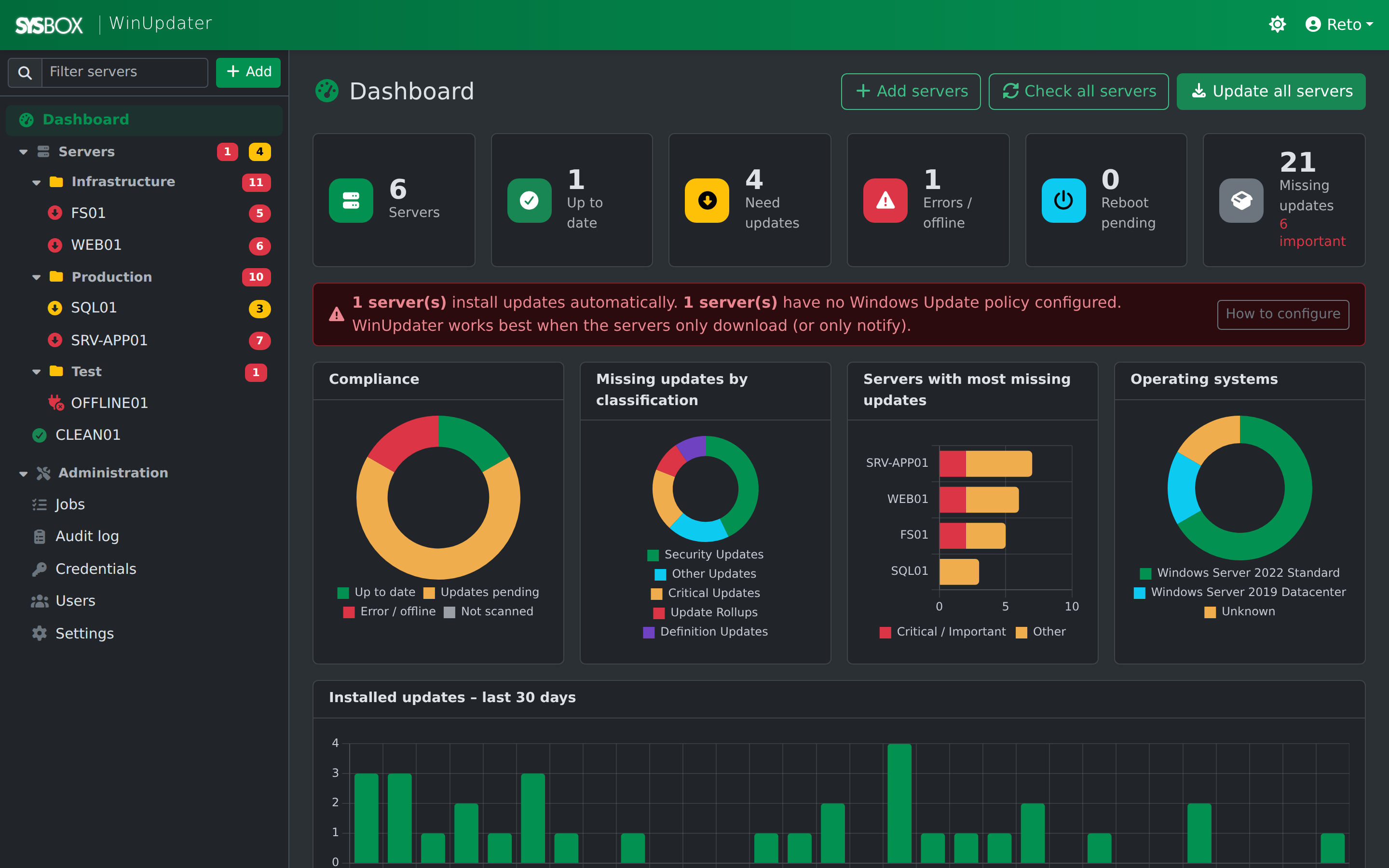
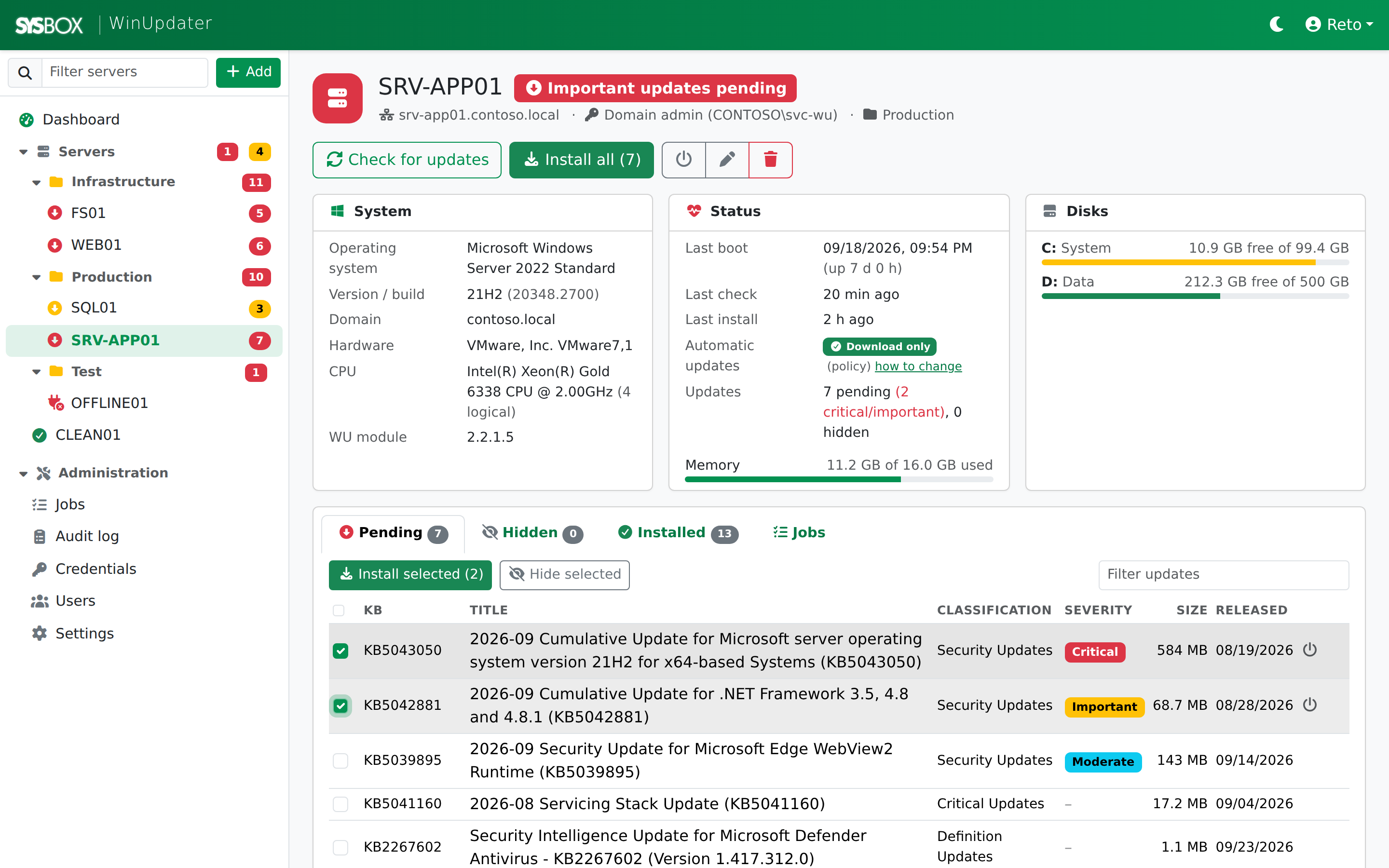
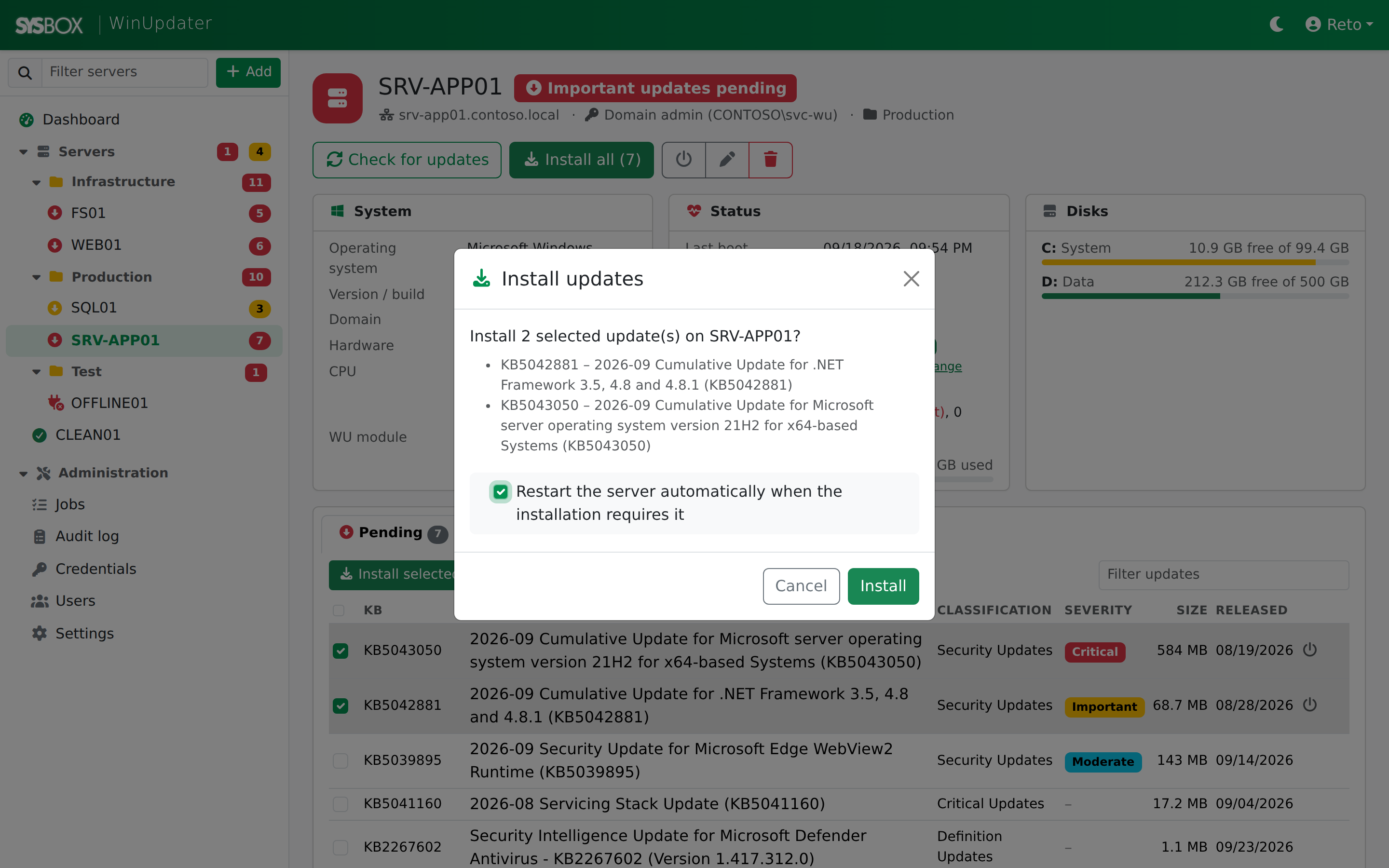
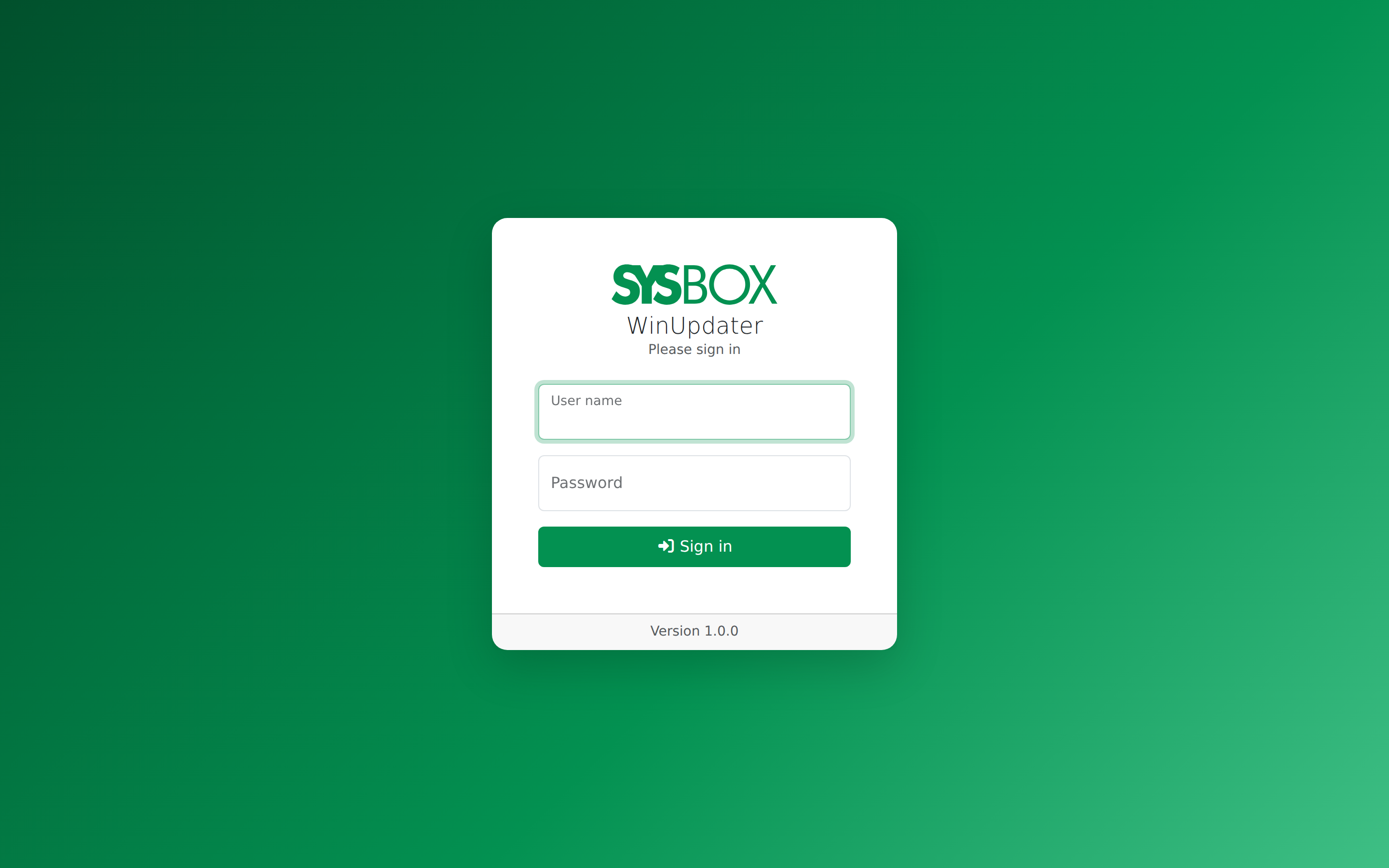
Example data shown (contoso.local), not a real deployment.
How it works
Check
WinUpdater asks each server's own Windows Update which updates are available.
Decide
You see everything in one console: install, hide, or leave pending.
Install
Installation runs on the server itself as a one-time task. WinUpdater follows progress, waits for the restart if needed, and checks again.
Agentless - it talks to servers with standard PowerShell remoting (WinRM) and the widely used PSWindowsUpdate module, which is copied to each server automatically on its first check. No agent is installed.
Security
Encrypted credentials
Saved server credentials and user passwords are never stored in plain text.
HTTPS, if you want it
Run the built-in web server over HTTP or HTTPS with your own certificate (.pfx).
Nothing installed on servers
No agent, ever - only standard PowerShell remoting (WinRM). WinUpdater never changes trust or Windows Update settings on its own; it only shows the commands for an admin to run.
Requirements, setup and FAQ
Full documentation covers requirements, installing, adding servers, checking and installing updates, and frequently asked questions.
Read the documentation